

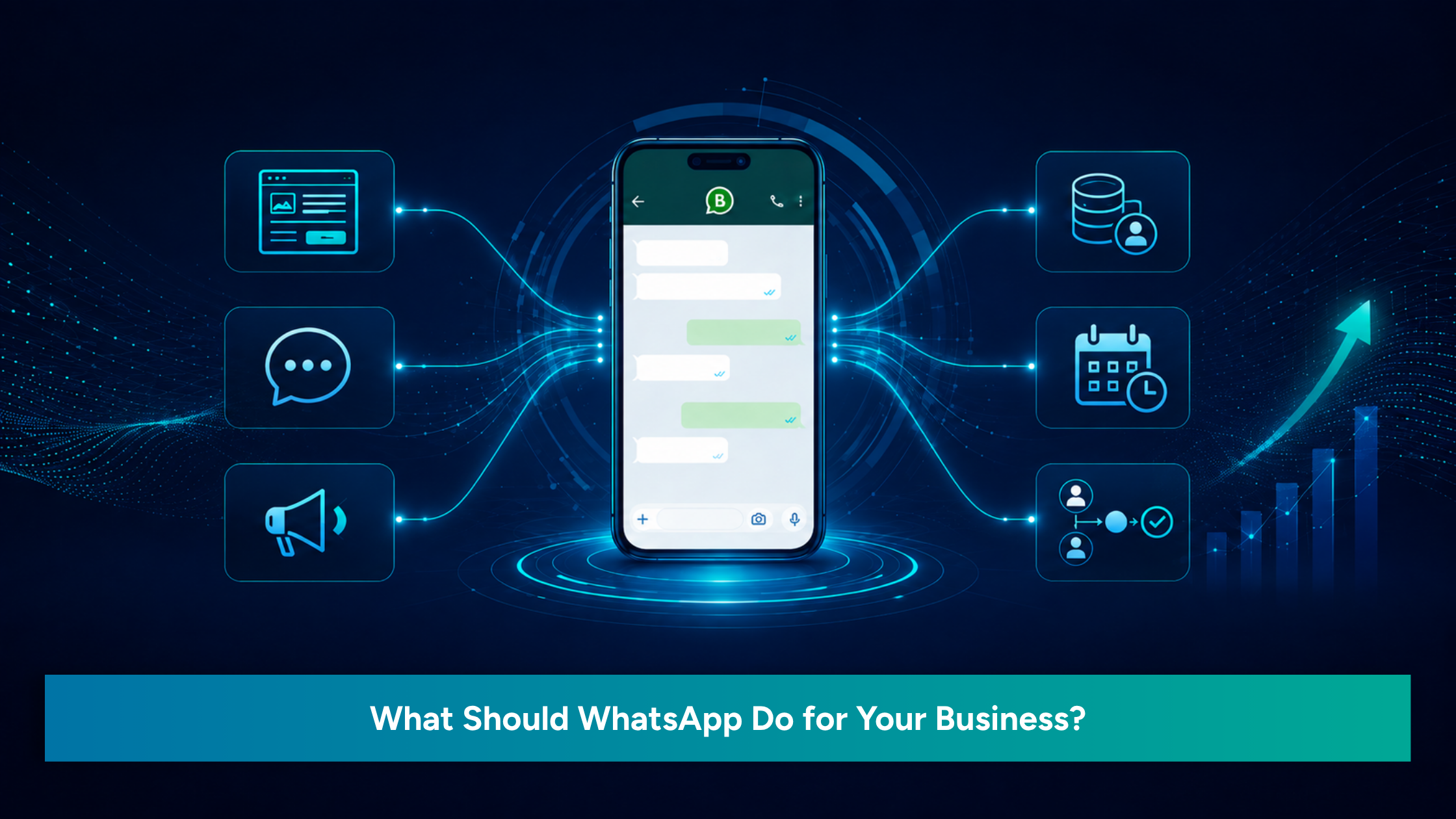
Almost every business uses WhatsApp today.
Customers send enquiries on WhatsApp. Teams share updates on WhatsApp. Quotations, reminders, follow-ups, payment details, delivery updates, appointment confirmations, and quick questions often happen through WhatsApp.
For many businesses, WhatsApp has become the most active communication channel.
But here is the important question.
Are you using WhatsApp only as a chat tool, or are you using it as a business system?
There is a big difference between replying to messages and managing customer communication properly. A business may respond to chats every day and still miss enquiries, delay follow-ups, lose customer details, or depend too much on the founder’s memory.
This is where WhatsApp Business Automation becomes useful.
It helps a business move from scattered conversations to a more organised communication flow.
Table of Contents
The Difference Between Chat and Workflow
A chat is a conversation.
A workflow is a process.
When a customer sends a WhatsApp message asking for details, that is a chat. But what happens after that message is the real business question.
Does the enquiry get recorded?
Does the right team member get notified?
Does the customer receive an acknowledgement?
Is there a follow-up reminder?
Is the enquiry added to a CRM?
Can the business track whether the lead converted or dropped?
If these steps are not clear, WhatsApp becomes crowded very quickly.
A founder may remember a few enquiries in the beginning. A small team may manage manually for some time. But once enquiries increase, manual handling becomes difficult.
Chats get buried. Numbers remain unsaved. Follow-ups depend on memory. Customers repeat the same questions. Team members do not know who is handling which enquiry.
That is when WhatsApp stops being simple and starts becoming messy.
WhatsApp Automation helps bring structure to this process. It does not remove the human conversation. It supports the business by making sure important steps do not get missed.
What Happens After an Enquiry?
Many businesses spend time and money to bring people to their website, social media pages, Google Business Profile, ads, and referral network.
But the real test begins after the enquiry comes in.
A customer may message:
“I want to know more.”
“What is the price?”
“Can you send the details?”
“Is this available?”
“How do I book?”
“Can someone call me?”
At that moment, the customer is showing interest. The business has a chance to respond well and move the customer forward.
But if the reply is late, unclear, or forgotten, the customer may move to another provider.
This happens more often than businesses realize.
The issue is not always lead generation. Sometimes, the issue is lead handling.
A proper WhatsApp Business Automation setup can help your business respond faster, collect details properly, assign enquiries to the right person, and follow up at the right time.
When WhatsApp is connected with CRM Automation, the enquiry does not remain only as a chat. It becomes part of a trackable customer journey.
Five Practical Business Uses of WhatsApp Automation
A good WhatsApp system does not have to be complicated. It should solve practical business problems.
Here are five ways WhatsApp can support your business better.
1.Lead Capture
When a customer contacts your business through WhatsApp, website, social media, or ads, the enquiry should not stay scattered.
WhatsApp Automation can be useful in collecting some basic details like the name, phone number, requirement, location, interest in services, and source of the enquiry.
This will provide a good starting point for your team.
Rather than asking the same questions all over again, you can get the relevant information and proceed with the enquiry with more clarity.
2.Automated Acknowledgment
Customers want to hear from you quickly.
Even if your team is not able to give the complete answer right away, just sending an acknowledgment will be helpful.
For instance, whenever an enquiry comes in, your customer can get a message saying,
“Thanks for getting in touch with us. Your enquiry has been received. Our team will analyze your requirement and revert back to you shortly.”
It tells the customer that their enquiry has not been ignored. It also gives the team time to respond properly.
3.Follow-Up
Follow-up is one of the biggest gaps in many businesses.
A customer asks for details. The team replies. Then no one follows up.
A quotation is sent. Then the lead becomes silent. No reminder is set.
A customer says, “I will decide next week.” Then the business forgets to check back.
WhatsApp Automation can help set follow-up reminders or send planned follow-up messages based on the stage of the enquiry.
This does not mean sending too many messages. It means staying consistent and professional.
Follow-ups are crucial as well because they can mean the difference between failure and success.
4.Team Assignment
As a business grows, every enquiry cannot be handled by the founder.
Some enquiries may need to go to sales. Some may need support. Some may need an operations team. Some may need a consultant, trainer, or service coordinator.
Without a system, this becomes confusing.
WhatsApp Business Automation can help route enquiries to the right person or notify the right team member. When connected with a CRM, the business can also track who owns the lead and what action has been taken.
It also makes sure that there is no single dependence on any particular individual.
5.CRM Integration
Integration of WhatsApp with the CRM makes WhatsApp even more effective.
CRM enables the company to keep track of all customer information, enquires made, follow-ups required, communication records, and conversions.
When WhatsApp and CRM Automation work together, the business gets a clearer view of the customer journey.
You can understand:
Where enquiries are coming from
Which leads need follow-up
Which team member is handling them
Which enquiries converted
Which enquiries dropped
Which marketing channel is working better
This helps the business make better decisions instead of depending only on memory or guesswork.
Automation Should Support People
A common misunderstanding is that automation will make customer communication robotic.
It does not have to.
Good automation should support people, not replace them.
A customer with a serious question still needs a human response. A pricing discussion may need explanation. A service enquiry may need consultation. A customer complaint requires proper handling.
Automation is required for repetitive actions like acknowledgment, reminders, capturing leads, assignment, etc.
Your team should handle trust, understanding, relationship, and decision-making.
That is the right balance.
When done properly, WhatsApp Automation makes the customer experience smoother and makes the team’s work easier.
Final Thought
WhatsApp is already part of your business.
The question is whether it is only helping you chat or helping you manage communication better.
If your business receives enquiries through WhatsApp but still depends on manual follow-up, scattered notes, saved numbers, and memory, it may be time to review the process.
A good WhatsApp Business Automation system can help your business capture leads, acknowledge customers, assign enquiries, follow up on time, and connect communication with CRM Automation.
WhatsApp is no longer a tool that serves to send messages among customers alone; it is now an important tool for handling customer queries and communications with the business firm.
Integration of WhatsApp, CRM, website enquiries, and follow-up processes makes the management of a business easier and provides a better customer experience.
WhatsApp should do more than carry conversations.
It should help a business respond faster, follow up better, and manage enquiries with more confidence.
Make WhatsApp work better for your business with organised enquiries, timely follow-ups, and clearer customer communication.